Rotations and targets
Create blocks, procedures and minimum numbers; archive, never lose history.
In the pilot
For programs
Many residents start on their own. When your program joins, chief residents set up rotations, targets and your own case questions in an afternoon, and program directors see every class without chasing spreadsheets.
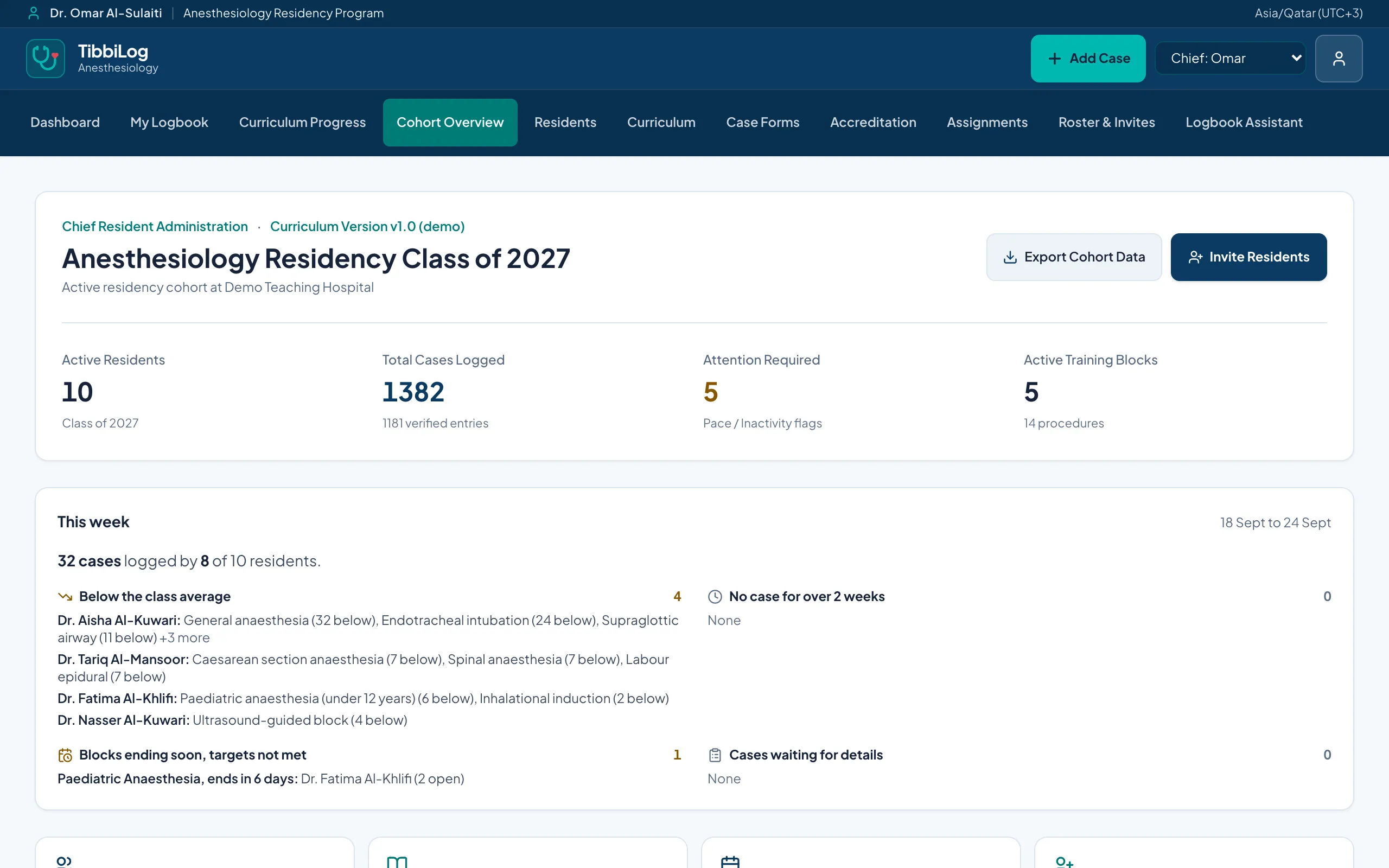
Create blocks, procedures and minimum numbers; archive, never lose history.
Build forms with choices, numbers, yes/no and follow-up questions. Publish new versions without breaking old answers.
Choose the roles your specialty uses; archived roles stay readable on old cases.
Invite residents, update training years, graduate them with a clear read-only period.
Upload your existing Excel schedule and review it before anything is saved.
Progress by training year, activity over time and who may need a conversation.
Every flag shows the measurable gap behind it, never a judgement about a person.
Know which numbers were confirmed by a supervisor.
Arab Board logbook files for each resident and the whole class, and ACGME-I case lists, in the layouts those bodies use.
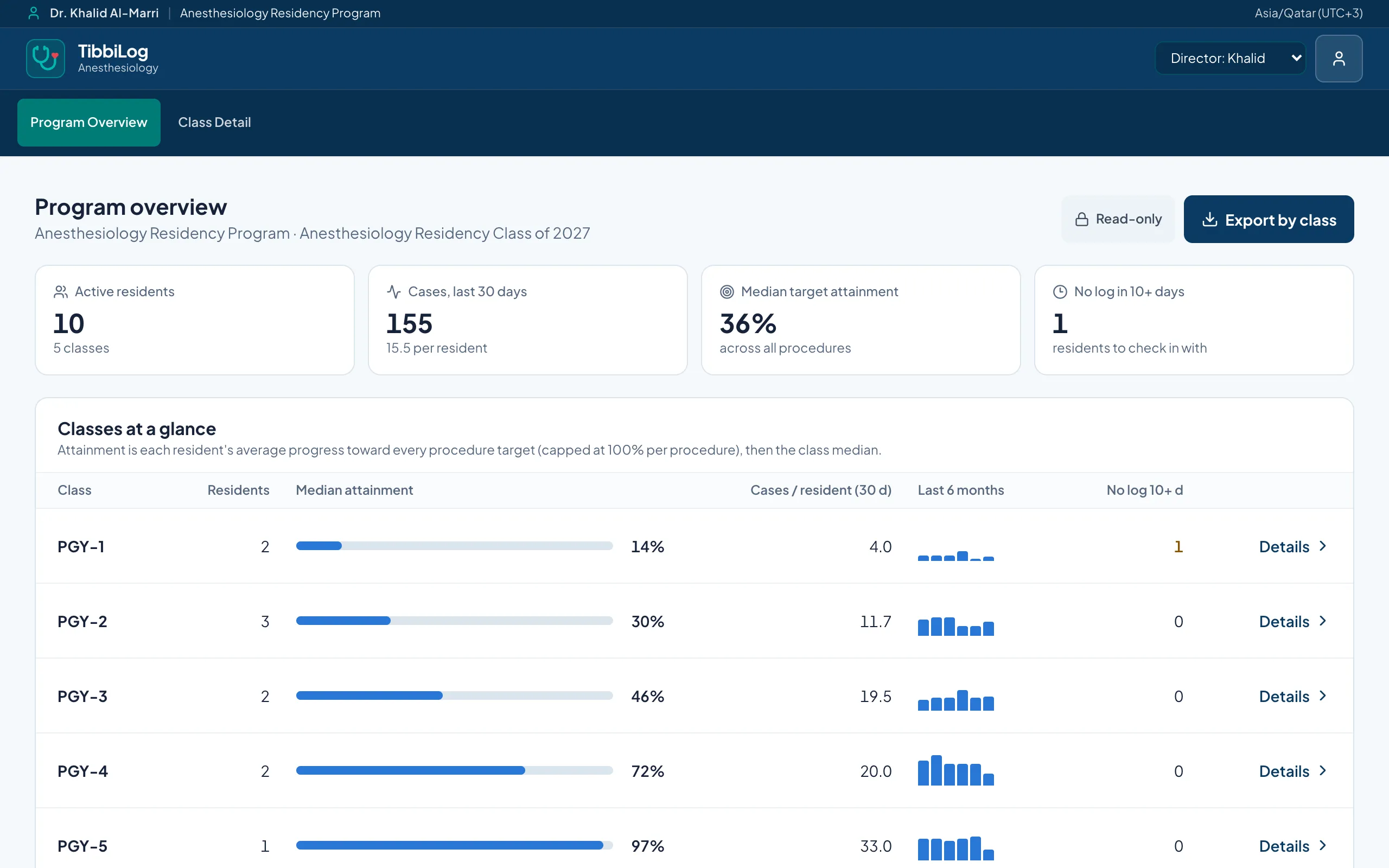
Residents: ask for early access, free during the pilot. Programs: if your residents already use it, tell us and we will set up your program.